


How to Identify a Herman Miller Aeron Size B: A Complete Guide
The Herman Miller Aeron is a masterpiece of ergonomic engineering, but its benefits are only fully realized when it is tuned to your body’s unique dimensions. Calibrating your chair properly is the difference between a standard seat and a health-saving tool.

Understanding Why It Matters
In the world of high-end office furniture available at Chairorama, static sitting is considered the enemy of health. The human spine is not a rigid pole; it changes shape as you move from a focused typing position to a relaxed recline. Steelcase LiveBack technology addresses this by providing a backrest that physically changes shape.
Spinal Emulation: The technology is designed to mimic the natural movement of the vertebrae, reducing shear force on the discs.
Continuous Support: Unlike standard chairs that leave gaps between your back and the chair when you recline, LiveBack maintains contact.
Pressure Distribution: It encourages blood flow by ensuring no single part of the back bears excessive weight.
Posture Correction: It actively prevents the "slump" associated with long-term fatigue.
Versatility: It adapts to various user sizes, much like the specific sizing found in a size c herman miller aeron.
Seat Height
The foundation of ergonomics. Ensure your feet are flat and your knees are at a 90-degree angle to promote blood flow.
PostureFit SL™
Supports your sacrum and lumbar curve simultaneously to maintain the natural "S" shape of your spine.
Tilt Tension
Controls the resistance as you recline. It should feel effortless to lean back but supportive enough to stay upright.
4 Steps to the Perfect Fit
Step 1: The Foundation
Use the lever on the right to adjust height. Your hips should be slightly higher than your knees with your feet flat on the floor.
Step 2: Lumbar Alignment
Turn the PostureFit knobs until the pads comfortably meet your lower back. It should feel firm but not intrusive.
Step 3: Armrest Position
Unlock the latches and move armrests so your shoulders remain relaxed. Pivot them inward when typing for wrist support.
Step 4: Tilt Limiter
Use the front-left lever to set your recline limit. Lock it for tasking; unlock it for creative brainstorming or phone calls.
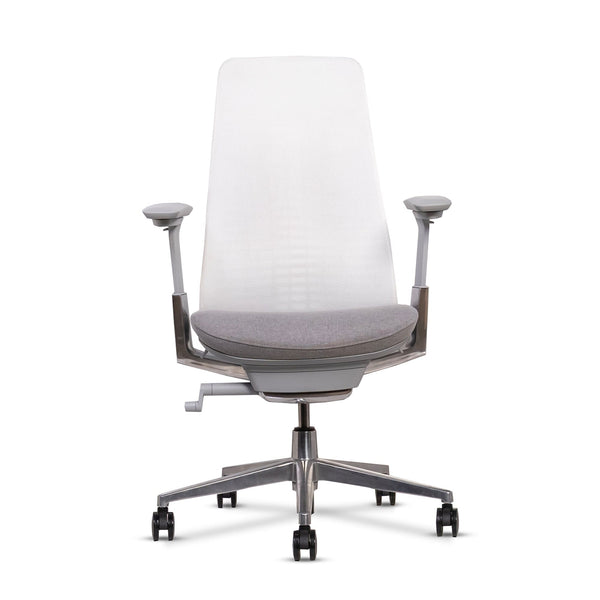
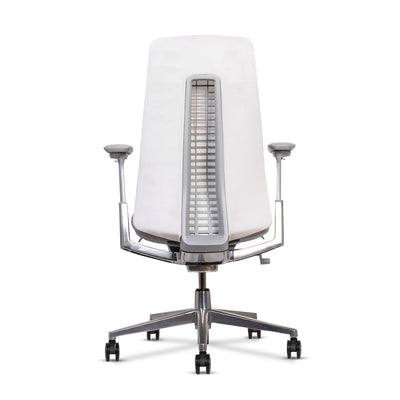
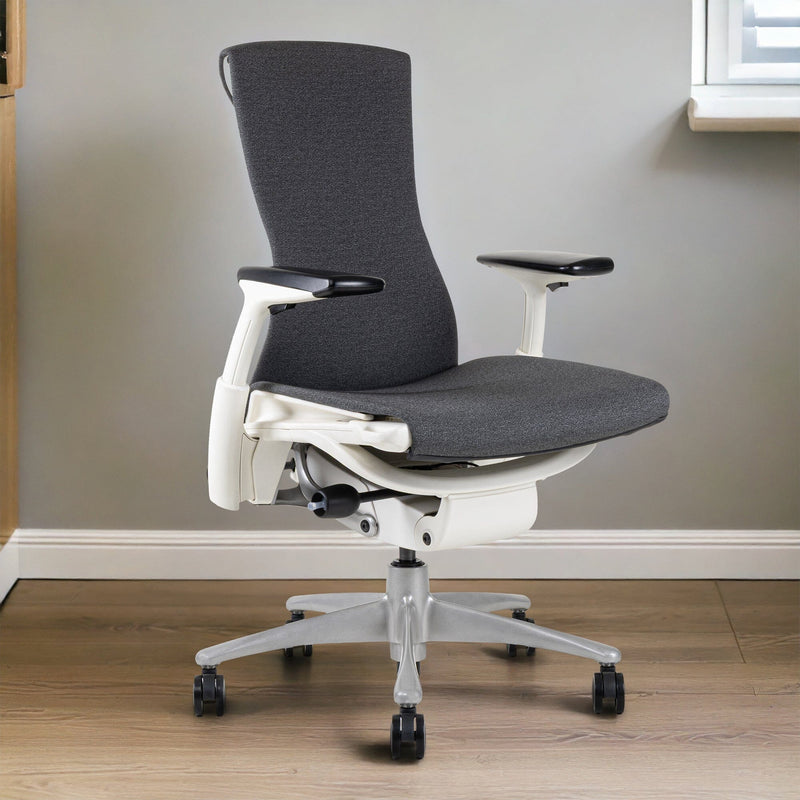
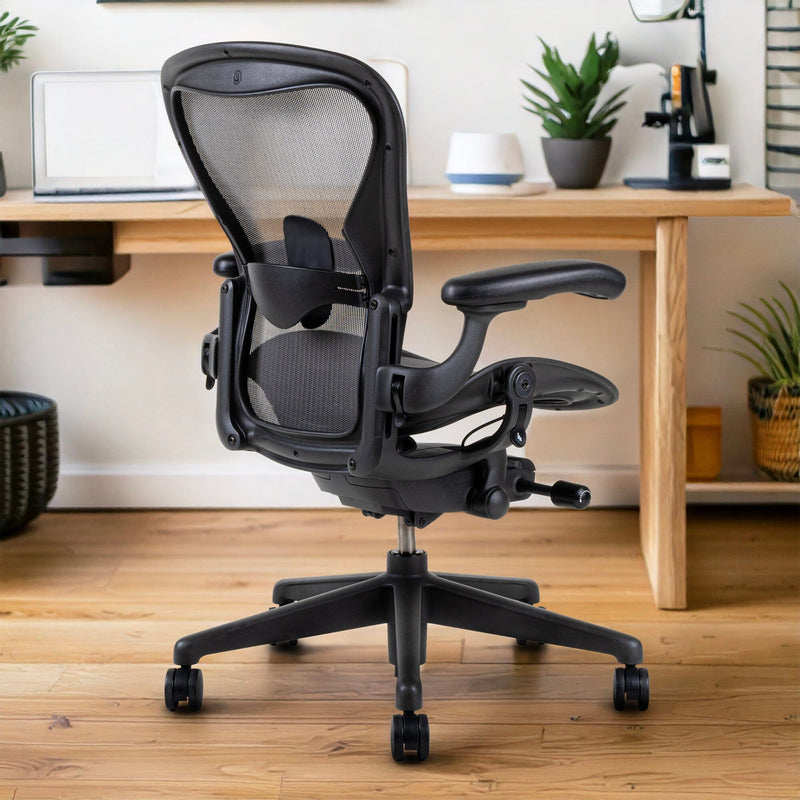
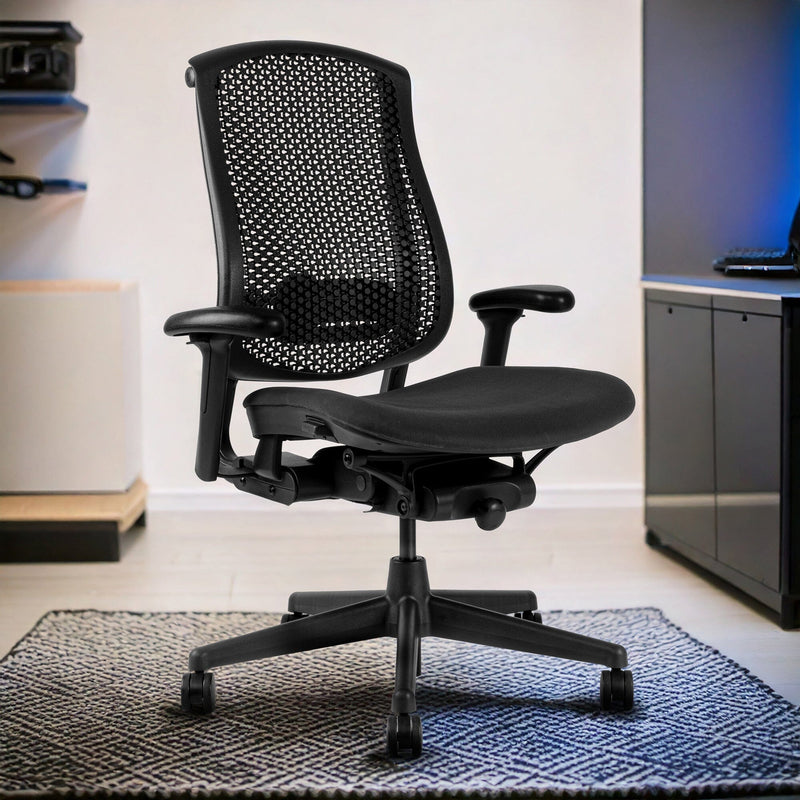
When buying used or refurbished, use this checklist to ensure the chair is fully functional.
How to Identify a Herman Miller Aeron Size B
| Identification Method | What to Look For |
|---|---|
| Dots on Back Frame | Two dots behind the top of the backrest |
| Seat Width | Medium size, fits most users |
| User Height Range | Approximately 5'6" to 6'2" |
| User Weight Range | Up to around 325 lbs |
| Armrest Position | Balanced spacing, not narrow or wide |
| Overall Fit | Most common and popular Aeron size |
Frequently Asked Questions
Q.How do I know if my Aeron is too small?
If you feel the hard plastic rim of the seat digging into your thighs or hips, or if the top of the backrest digs into your shoulder blades, the chair is likely too small. Users over 6 feet tall often require a Size C Herman Miller Aeron.
Q.What is the difference between Size B and Size C?
Size B is the standard medium size designed for the average population. Size C is the large version, offering a deeper seat pan (roughly 18.5 inches) and a wider backrest to accommodate larger frames.
Q.Can I add a headrest to the Aeron?
The Aeron does not come with a factory headrest, as the design encourages a posture where the head is balanced over the spine. However, third-party manufacturers like Atlas offer headrests compatible with the Aeron frame.
Q. How often should I readjust my chair?
You should check your settings every few weeks or whenever you change footwear (e.g., switching from boots to sneakers). Additionally, if you share the chair, you must reset it to your anthropometrics every time you sit down.

Ready to transform your space? Visit Chairorama to explore our collection.
