


How to Adjust a Herman Miller Aeron for Your Height and Posture
Understanding the mechanics behind your office chair is the first step toward a pain-free workday. While many chairs offer static support, the Aeron is designed as a dynamic system that can be tailored to the unique contours of your body. This guide explores how to properly calibrate your chair to achieve the perfect ergonomic fit.

Key Explanation: The Biomechanics
Description: In the world of high-end office furniture available at Chairorama, static sitting is considered the enemy of health. The human spine is not a rigid pole; it changes shape as you move from a focused typing position to a relaxed recline. Proper adjustment addresses this by ensuring the backrest physically supports your changing posture.
Spinal Emulation: Proper adjustment is designed to mimic the natural movement of the vertebrae, reducing shear force on the discs.
Continuous Support: Correct calibration ensures there are no gaps between your back and the chair, maintaining the spine's natural "S" shape.
The Ergonomics of Reclining
Proper ergonomic chair tension adjustment ensures that you can recline smoothly without feeling like you are falling backward, while also allowing you to return to an upright position without engaging your core muscles too strenuously.
Phase 1: Mimicking the Spinal Contours
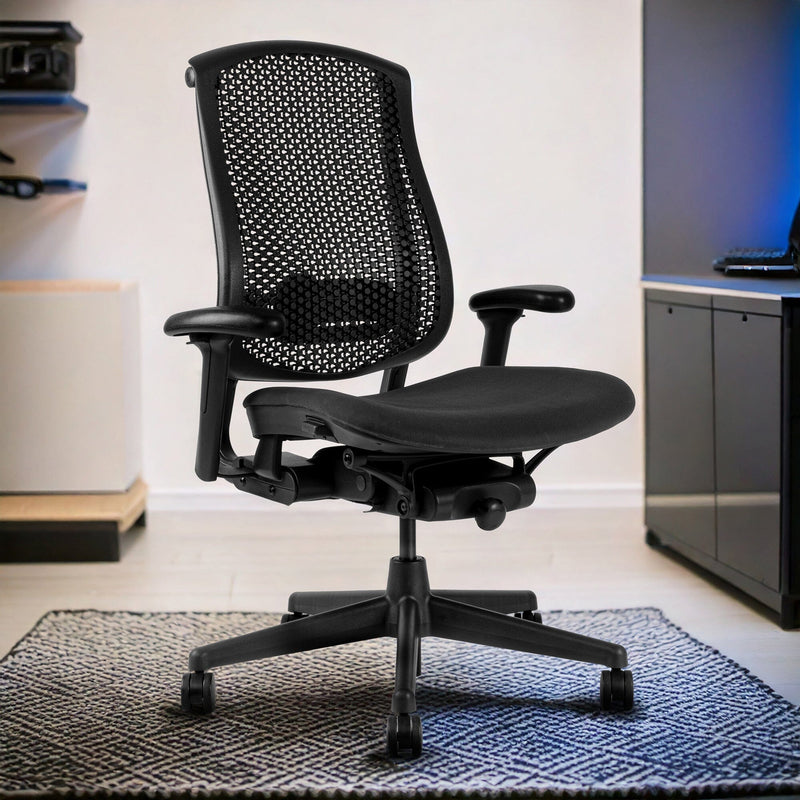
The core concept of LiveBack is distinct from the cellular suspension seen in a herman miller celle task chair. While the Celle uses a grid of cells to distribute weight
Phase 2: Independent Flexor Systems
Steelcase chairs, such as the Leap or Gesture, utilize separate controls for the upper and lower back. This allows the user to set a firm lumbar support while allowing the thoracic (upper) spine to move free.
Phase 3: The Dynamic Recline Mechanism
When you lean back, the seat pan of a Steelcase chair glides forward while the backrest tilts. This keeps your eyes focused on the screen and your hands on the keyboard.
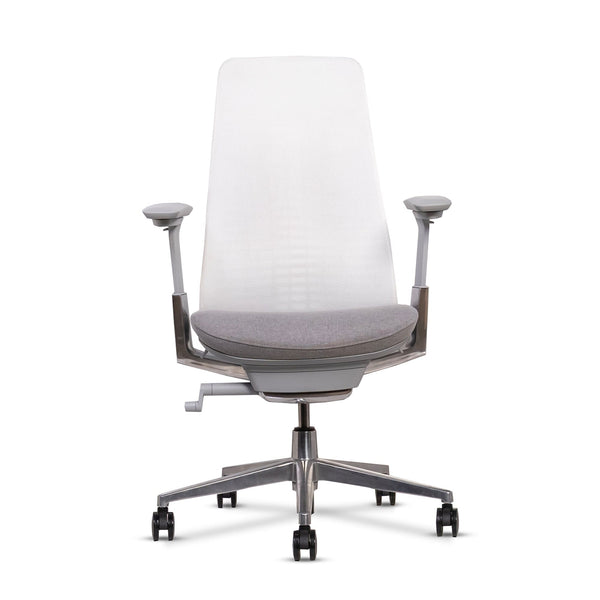
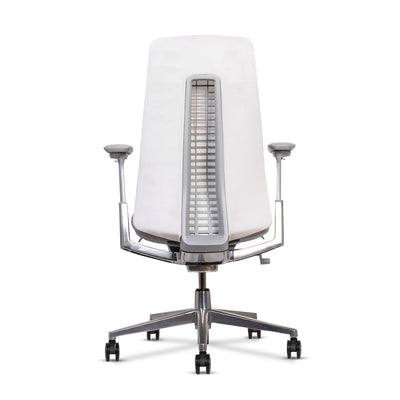
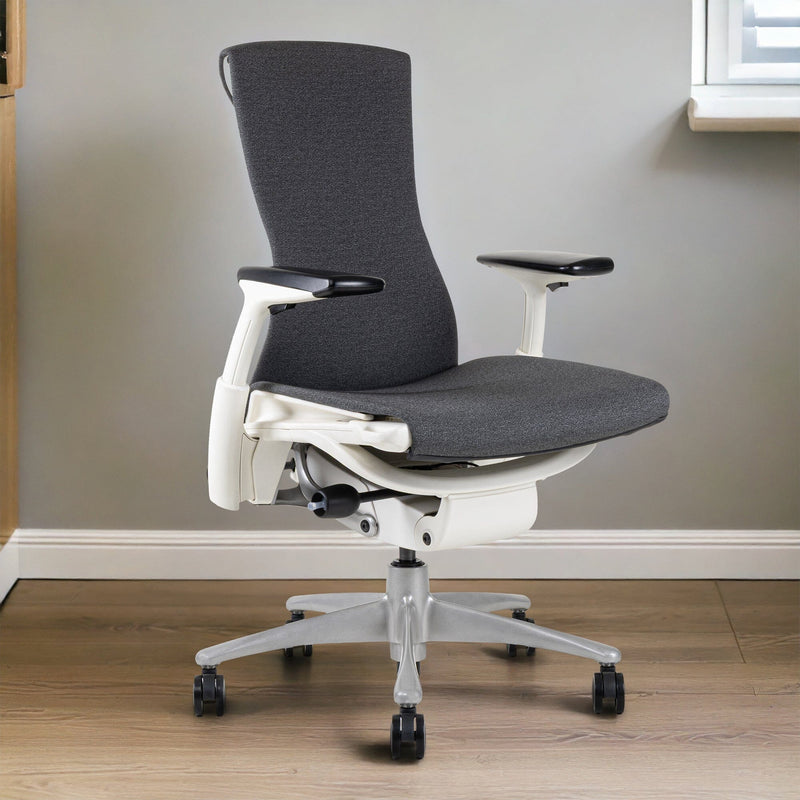
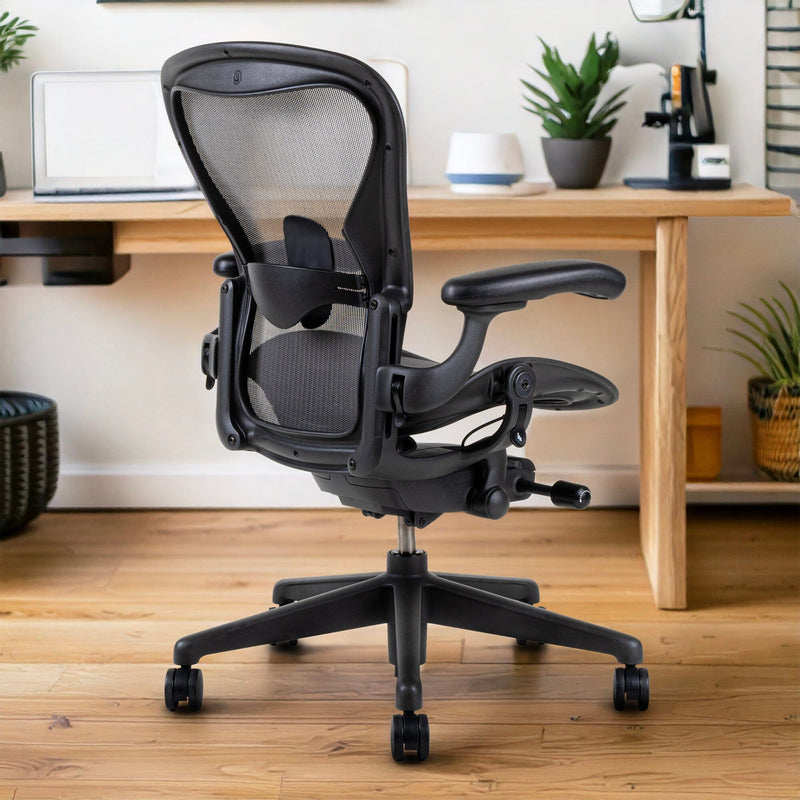
When buying used or refurbished, use this checklist to ensure the chair is fully functional.
Comparative Analysis: Herman Miller Aeron Adjustments by Height & Posture
| Adjustment Area | Shorter Users (Under 5'6") | Average Height (5'6"–6'0") | Taller Users (Over 6'0") | Posture Benefit |
|---|---|---|---|---|
| Chair Size (A/B/C) | Size A | Size B | Size C | Ensures proper seat depth, back height, and full spinal support |
| Seat Height | Lower so feet rest flat on the floor | Knees level with hips | Slightly higher with feet flat | Reduces pressure under thighs and improves circulation |
| Seat Depth | Full depth with 2–3 fingers behind knees | Full depth with knee clearance | Full depth without knee pressure | Prevents leg numbness and supports thighs evenly |
| Lumbar / PostureFit SL | Lower tension, positioned to support sacrum | Moderate tension aligned with lumbar & sacrum | Firm support aligned higher on pelvis | Maintains natural spinal S-curve |
| Backrest Fit | Upper back fully supported without pushing shoulders forward | Balanced thoracic and lumbar contact | Full back contact without shoulder restriction | Prevents slouching and upper-back strain |
| Armrest Height | Lower to avoid shoulder lift | Elbows at 90° when typing | Slightly higher but shoulders relaxed | Reduces neck and shoulder tension |
| Armrest Width | Narrower for natural elbow position | Medium width | Wider to accommodate shoulder breadth | Keeps arms aligned with keyboard/mouse |
| Recline Tension | Lighter tension | Medium tension | Higher tension | Allows smooth recline without loss of support |
| Tilt Limiter | Limited recline for focused work | Partial recline for task variety | Full recline with upright lock | Supports both focus and relaxation postures |
| Forward Tilt (if enabled) | Optional for upright work | Useful for task-heavy work | Optional | Encourages active sitting and reduces forward lean strain |
Frequently Asked Questions
Q.How do I know if my Aeron is too small?
If you feel the hard plastic rim of the seat digging into your thighs or hips, or if the top of the backrest digs into your shoulder blades, the chair is likely too small. Users over 6 feet tall often require a Size C Herman Miller Aeron.
Q.What is the difference between Size B and Size C?
Size B is the standard medium size designed for the average population. Size C is the large version, offering a deeper seat pan (roughly 18.5 inches) and a wider backrest to accommodate larger frames.
Q. How often should I readjust my chair?
You should check your settings every few weeks or whenever you change footwear (e.g., switching from boots to sneakers). Additionally, if you share the chair, you must reset it to your anthropometrics every time you sit down.
QWhich Herman Miller chair has the highest resale value?The Aeron chair consistently holds the highest resale value, especially Size B in neutral colors like black or graphite. Embody and Mirra models also retain value well, but Aeron remains the most recognizable and in-demand worldwide.

Ready to transform your space? Visit Chairorama to explore our collection.
